Take Back Your Time,
Every Hour, Every Project.
TimeWeave is a production toolkit for video editors and motion designers. Auto-cut podcasts, export HTML5 banners, manage AE expressions, calculate timecode, and automate timelines.
Unleash Your Potential
TimeWeave eliminates tedious tasks, letting you focus purely on your creative vision.
Visualize Your
Creative Focus.
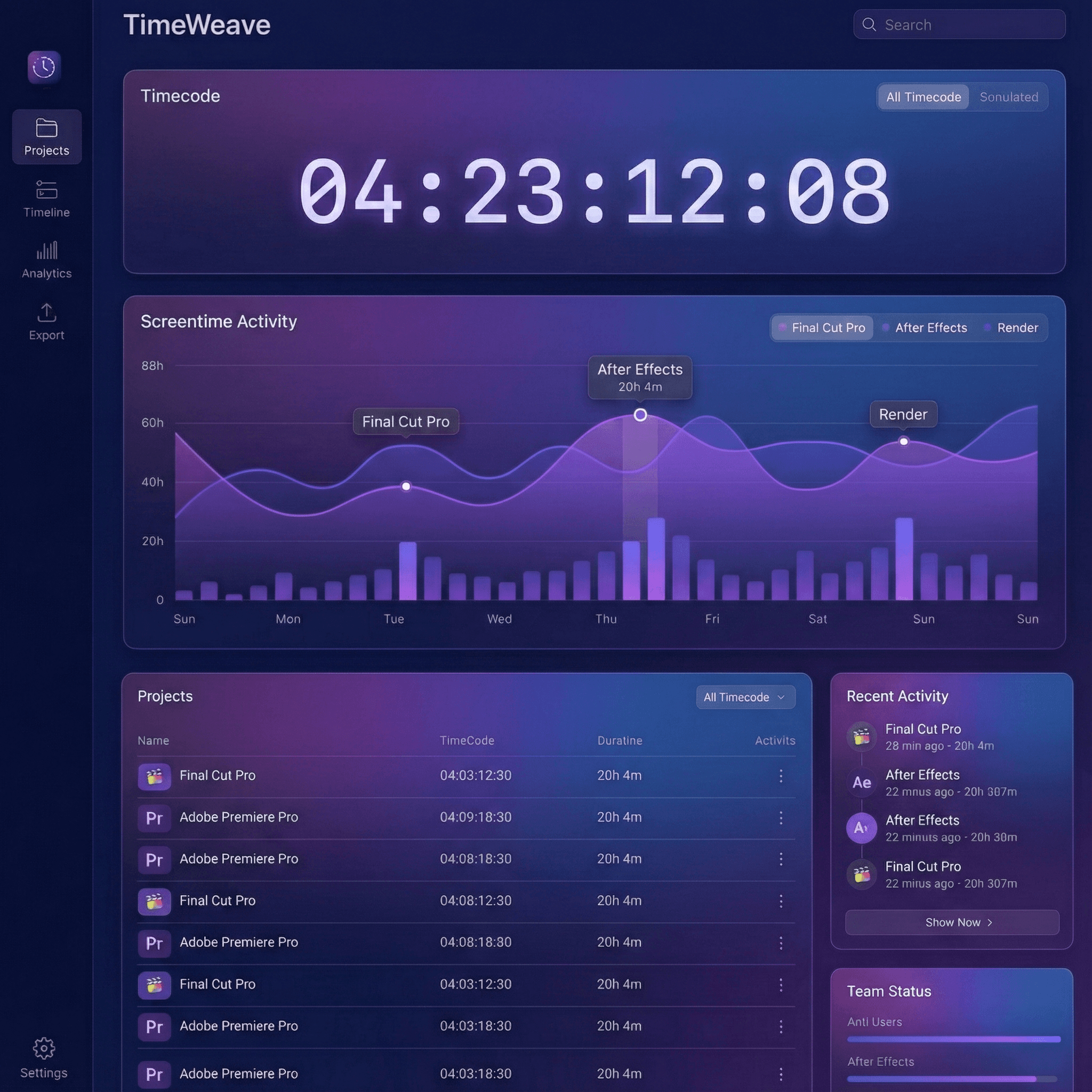
Know exactly where your hours go. TimeWeave passively records active application usage, providing a clear breakdown of your project time.
Auto-Detection
Logs active windows without interruption.
Privacy First
Your data stays securely on your machine.
Effortless Export
Generate CSV for client invoicing in seconds.
Frame-Accurate Math
Made Intuitive.
From spotting audio cues to verifying broadcast durations, our calculator handles complex frame conversions instantly.
- Mix various frame rates (24, 25, 29.97, 60fps).
- Add and subtract timecodes with absolute precision.
- Instant, one-click copy to clipboard functionality.
Inside Premiere Pro.
Seamlessly Integrated.
Eliminate context switching. Our native Adobe Extension brings powerful TimeWeave functionality directly into your Premiere Pro workspace.
Fast Workflow
Native panel performance for fluid operation.
Native UI
Blends perfectly with Adobe's aesthetic.
Automate DaVinci Resolve.
Bulk Creation.
Turn spreadsheets into dozens of clips or graphics instantly. Perfect for social media content, lower thirds, and repetitive tasks.
- Import CSV data directly into Resolve.
- Map variables to text, colors, and media.
- Generate multiple timelines in one click.
Multi-Cam Podcasts.
Automated Cuts.
VoxCut analyzes dialogue to detect speakers and auto-cuts Premiere Pro multicam timelines in seconds.
- Multi-track speaker speech detection and waveform sync.
- Smart reaction shots, silence trimming, and angle switching.
- Direct Premiere Pro sequence integration via native CEP.
After Effects to Ads.
Strictly Under 150KB.
Export comps to Google Ads-ready HTML5 banner packages and lightweight Lottie JSON with built-in compression.
- Multi-size exports: 300x250, 728x90, 160x600, and 1080x1080.
- Automatic clickTag, zip packaging, and PNGQuant compression.
- In-panel interactive responsive canvas previewer.
Unleash Your Creative Flow
Expression Saver.
One-Click AE Presets.
Visual library of 24+ production expressions with live video previews and instant one-click apply inside After Effects.
- 1-Click apply to active layer properties (Position, Scale, Rotation).
- Visual video previews for wiggles, inertia bounces, and loops.
- Save and organize your own custom expressions and rigs.
// Inertial Bounce Overshoot
amp = 0.05; freq = 4.0; decay = 5.0;
n = nearestKey(time).index;
if (key(n).time > time) n--;
t = time - key(n).time;
v = velocityAtTime(key(n).time - 0.01);
value + v*amp*Math.sin(freq*t*2*Math.PI)/Math.exp(decay*t);Ready to weave time?
Join thousands of creators who have optimized their workflow. Download the toolkit today and unlock your full creative potential.